Stop reopening Ableton just to check the tempo.
Session BPM lives in your menu bar. Drop in a .als file. Tempo shows up instantly. No 200-track session loading.
One-time purchase. macOS 13+ · Apple silicon & Intel
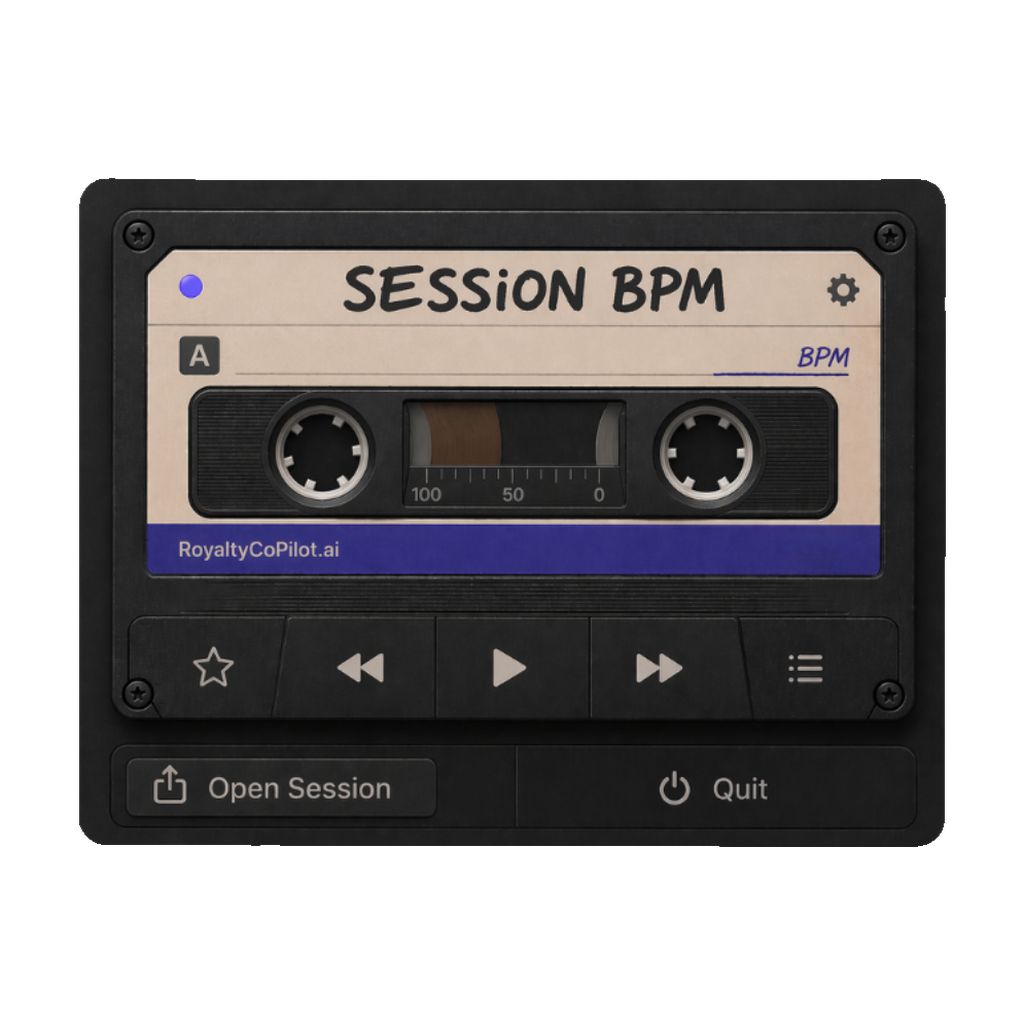
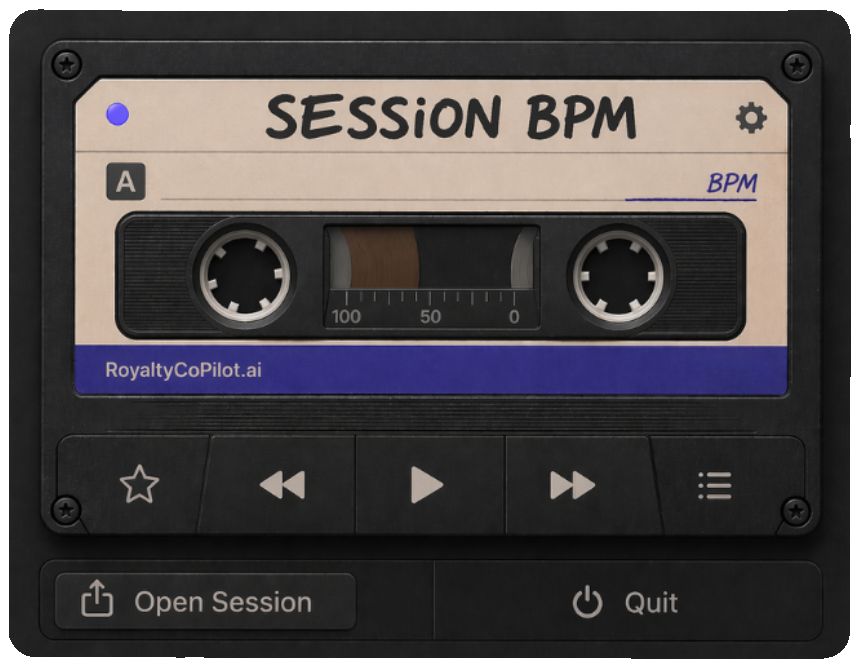
The whole app: a cassette in your menu bar. Drop a session on it.
Three steps. No setup.
- Install. Lives in your menu bar. No Dock icon, no extra windows.
- Open any .als. Ableton's project files are gzipped XML, so it reads the tempo straight from the file. No DAW required.
- See the BPM. Instant readout. No loading screens, no waiting for plugins.
Common questions
How does Session BPM detect the tempo of an Ableton Live session?
Ableton saves projects as gzipped XML. Session BPM unzips the file in memory and reads the tempo value directly, including whether the session has tempo automation. Nothing plays, nothing loads.
Does it work with Logic Pro, FL Studio, or other DAWs?
Today it reads Ableton Live .als files. Other DAWs are on the list, and bundle owners get updates within version 1 free.
Is it a one-time purchase or a subscription?
One-time. $19 gets the bundle: Session BPM plus DAW Defrost. No subscription.
Which versions of macOS are supported?
macOS 13 and newer, on both Apple silicon and Intel Macs.
Does Session BPM upload my files or audio to any server?
No. It reads the file on your Mac and nothing leaves your machine.
Do I need Ableton Live installed to use Session BPM?
No. It reads the project file itself, so it works on a Mac that has never had Ableton installed.
How do I get the app after purchase?
Checkout emails you a download link right away. Install from the DMG like any Mac app.